Adobe has introduced Custom Models in public beta for Firefly, giving you a way to generate images in your own visual style instead of relying on generic AI outputs.
By uploading your own images, you can create a model that reflects your specific look, whether that is illustration, photography, or character design.
You will be able to generate multiple assets without starting from scratch each time. These models are private by default, which matters if you are working with brand assets or internal projects.
A growing library of models and tools in one place

Adobe is also expanding Firefly into a single workspace for AI creation. You now get access to more than 30 models from Adobe and partners like Google, OpenAI, Runway, and Kling.
New additions include Google’s Veo 3.1, Runway Gen-4.5, Firefly Image Model 5, and Kling 2.5 Turbo. Instead of switching platforms, you can generate content with one model, compare it with another, and keep editing inside Firefly.
Adobe is also introducing new tools like Quick Cut, which can turn raw footage into a rough edit within minutes. You can also add or remove objects, extend scenes, and refine visuals with more control.
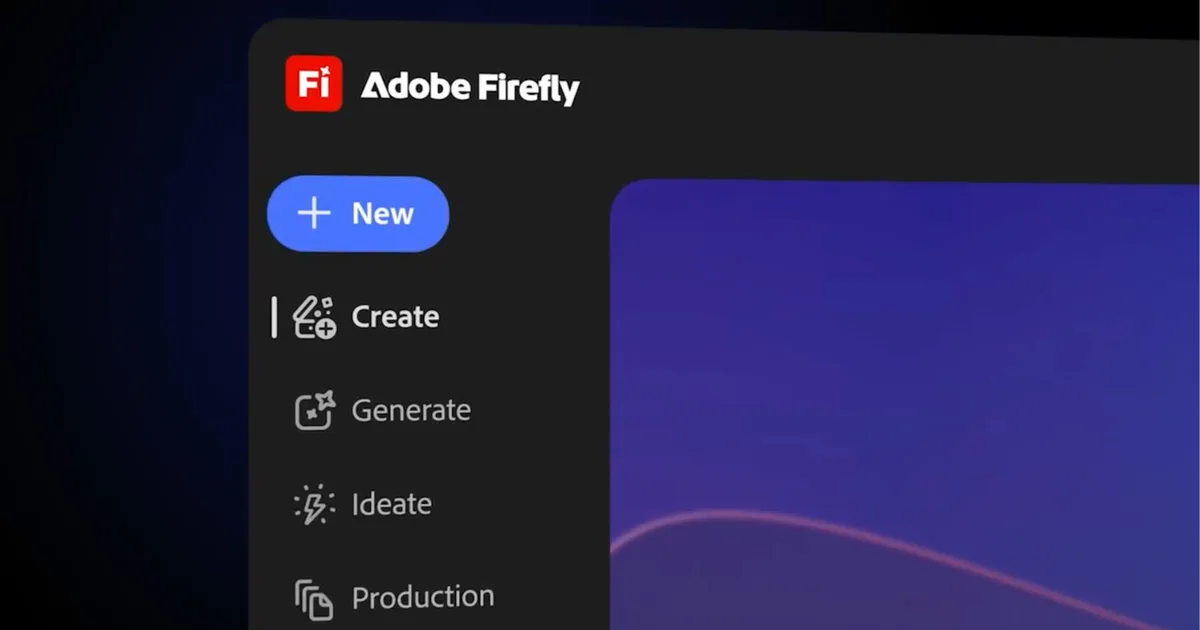
How Adobe is turning Firefly into a complete AI studio

Firefly is moving beyond prompts and transforming into a workflow where you can brainstorm, generate, edit, and refine content in one place.
Adobe is also leaning into agentic AI, where the system helps guide creative work instead of waiting for commands. At the same time, it continues to stress that Firefly is trained on licensed data, making it safer for commercial use.
Meanwhile, Adobe is also experimenting with ideas like Project Moonlight, which can turn random clips into polished edits automatically, showing how far AI-driven creation could go next.


