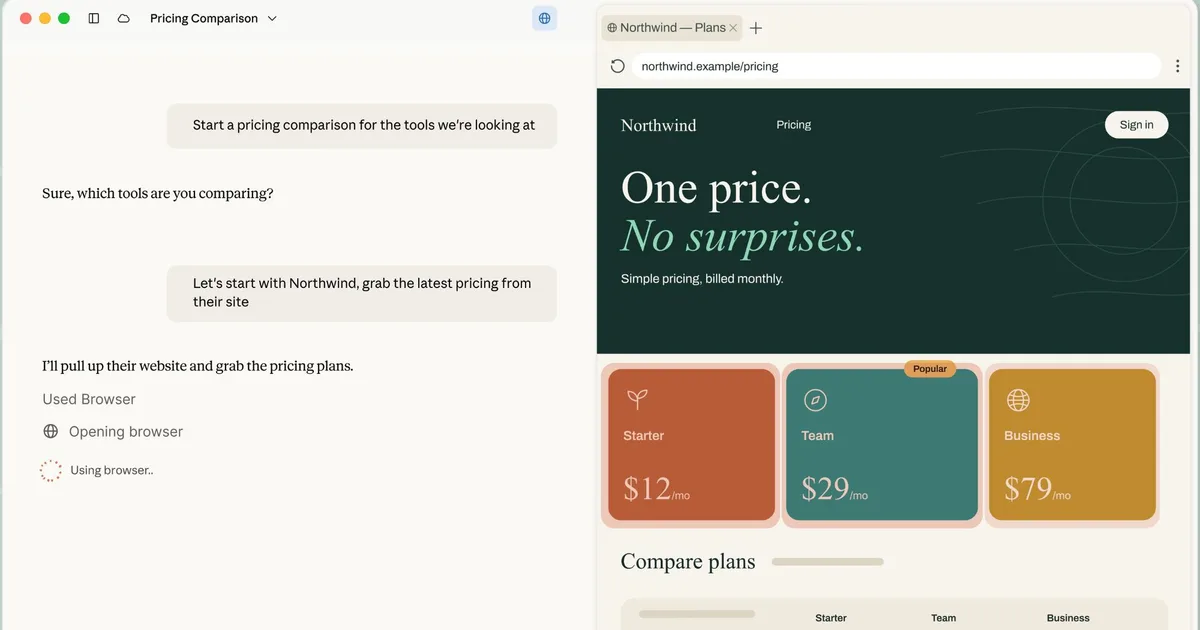
Claude Cowork just got its own browser, built directly into the desktop app. Until now, giving Claude web access inside Cowork meant handing it your actual Chrome browser through Claude in Chrome extension.
Now there’s a second option. Claude can open its own separate browser inside the Cowork side panel and handle the web part of a task on its own, while you keep working on whatever you’re doing.
So how is it different from Claude in Chrome?
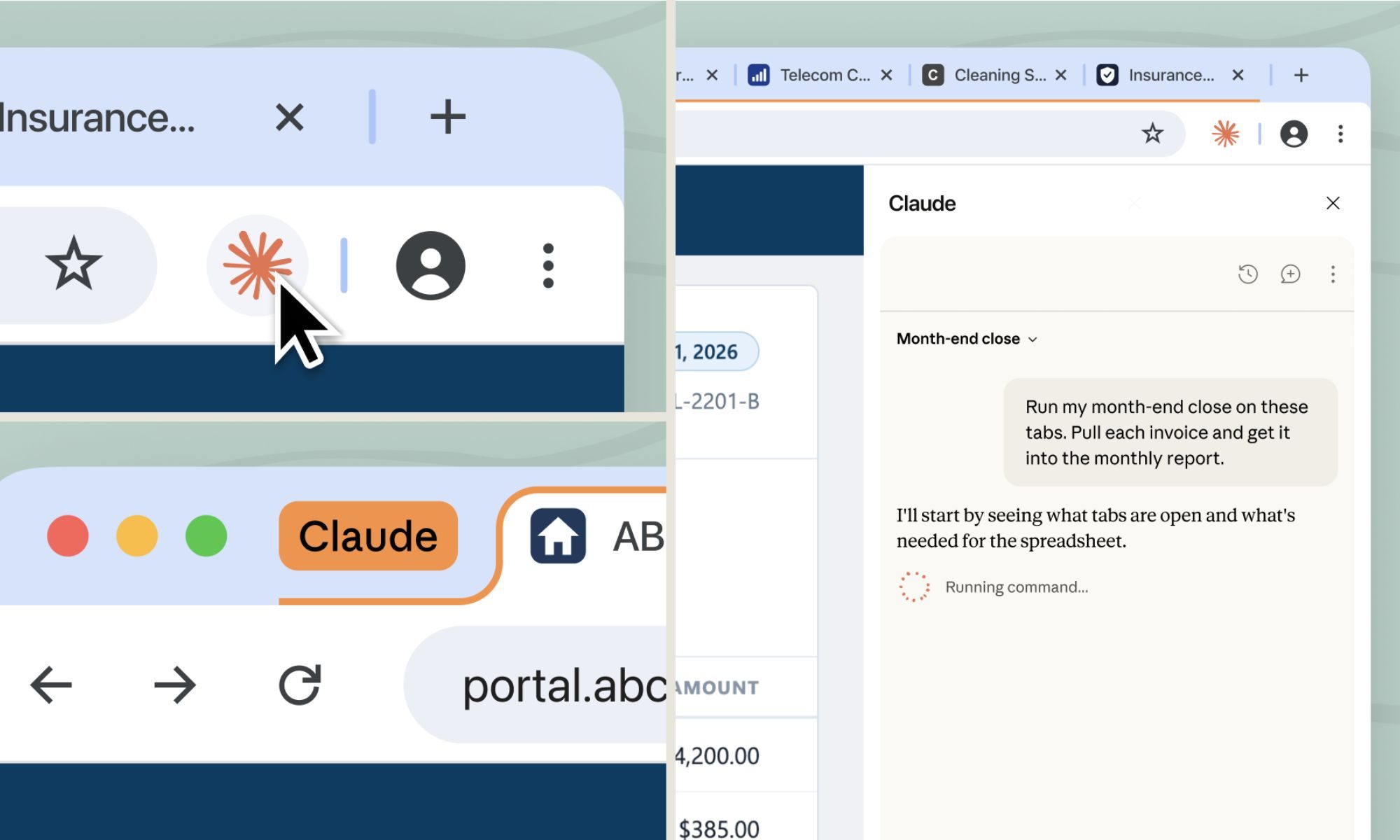
Claude in Chrome uses your browser, your tabs, logins, the page you already have open. That setup makes sense when you’re already on a page and want Claude to jump in and help. But plenty of web tasks don’t actually need your personal browser; they just need a medium to access the web.
This is where Claude’s new built-in browser steps in. It’s completely separate from yours, and Claude never sees the tabs, bookmarks, or passwords in your personal browser. That makes it the better choice for tasks that don’t actually need your personal browser session, like researching for a report or pulling invoices off a vendor portal.
If you want Claude signed into specific sites, you can choose to share those logins from Chrome, Edge, or Firefox. Sensitive accounts like banking, email, or single sign-on are excluded by default unless you deliberately choose to include them.
The safety risks you should know about
If you’re already using Claude in Chrome, that stays your default. Otherwise, Claude reaches for its own browser automatically, and you can switch the preference anytime in Settings. It’s rolling out this week to Pro, Max, and Team plans on the desktop app, covering macOS, Windows, and a Linux beta.
Anthropic is upfront that this carries the same prompt injection risks as any browser-using AI agent, meaning malicious instructions hidden in a webpage could try to hijack what Claude does. The same safeguards used for Claude in Chrome apply here, and Anthropic recommends starting with sites you actually trust before letting Claude loose on them.


