The back-to-school season often turns into a laptop, especially the budget ones that aren’t too heavy on your wallet. Due to the ongoing memory crisis, most manufacturers have already bumped up their laptop prices, including Apple. However, that doesn’t mean that I won’t help you get a new machine. So, for this one, I spent time digging through spec sheets, customer ratings, and price tags, finding devices that don’t just look cheap in an Amazon listing, but actually hold up.
From a flexible touchscreen Chromebook to the least expensive way into macOS, these six laptops balance price and performance well. I’d hand any one of them to a student heading back to campus this fall, depending on what they need and what their priorities are.
HP 2-in-1 14-inch Chromebook

Pros
- 360-degree touchscreen 2-in-1 design
- HP Fast Charge for quick top-ups
- Includes a wireless mouse in the box
- Lightweight, simple ChromeOS experience
Cons
- Just 4GB RAM and 64GB storage
- ChromeOS won’t run traditional Windows software
If you’re looking for a laptop for a student who mostly needs a browser, Google Docs, and Zoom, I’d recommend the HP 2-in-1 14-inch Chromebook for a few good reasons. First and foremost, it costs $349, making it the most affordable laptop on this list.
It is also the only one to feature a 360-degree hinge and a 14-inch HD touchscreen. So, for all those times you wished you had a bigger screen than your smartphone for reading PDFs, going through research papers, or just reading articles on the web without a keyboard getting in the way, this one solves that problem while offering the flexibility of a 2-in-1 form factor.
The Intel N100 chip and ChromeOS keep things snappy for lightweight work, though 4GB of RAM and 64GB of storage mean this isn’t built for juggling a dozen tabs, installing video games, or saving too many offline movies on Netflix. For anyone whose coursework lives mostly in the cloud, though, it’s genuinely tough to beat the price.
Lenovo IdeaPad Slim 3i
Pros
- Microsoft 365 included
- MIL-STD-810H durability testing
- Fingerprint reader for secure login
- Plenty of ports, including a card reader
Cons
- 128GB SSD fills up fast
- Entry-level N150 chip caps multitasking
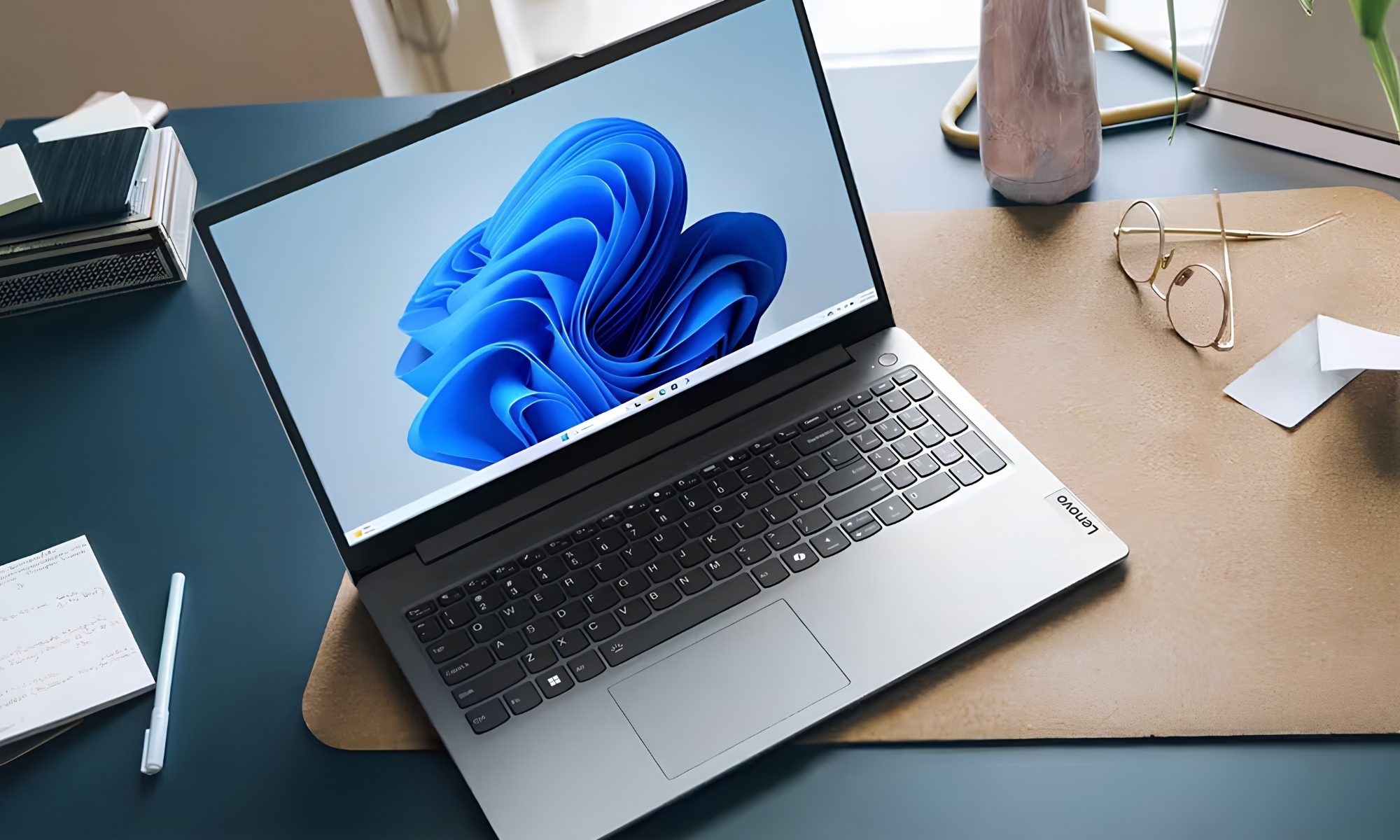
Moving on to the traditional laptop form factor, we have the 15.6-inch Lenovo IdeaPad Slim 3i at $349.99. If you’re looking for a Windows laptop with a relatively large screen that supports a larger digital workspace, I’d point you toward this one.
The 15.6-inch screen comes with TUV Low Blue Light certification, which means it helps keep your eyes more comfortable during late-night productivity sessions. The Intel N150 processor, combined with 8GB of DDR5 RAM and 128GB of PCIe SSD storage, suggests it can handle all your day-to-day tasks, such as compiling Word documents, reviewing PDFs, reading research papers in Chrome, creating presentations, and streaming music or other content with ease.
It comes bundled with a Microsoft 365 subscription, which could also be why you picked this one over the other models on the list. It also complies with the MIL-STD-810H durability testing standard, a military-grade standard that’s a genuinely reassuring detail for a machine that’s going to get thrown in a backpack for four years straight. A fingerprint reader adds a layer of login security most laptops in this price range skip.
Lenovo 2026 15.6″ Laptop (V15 G6)
Pros
- Dual storage: 256GB SSD plus 500GB HDD
- Full port selection, including Gigabit Ethernet
- Microsoft Office 365 Home u0026amp; Business bundled
- Camera privacy shutter and TPM 2.0
Cons
- Intel N100 chip limits heavier workloads
- 8GB RAM is on the lean side
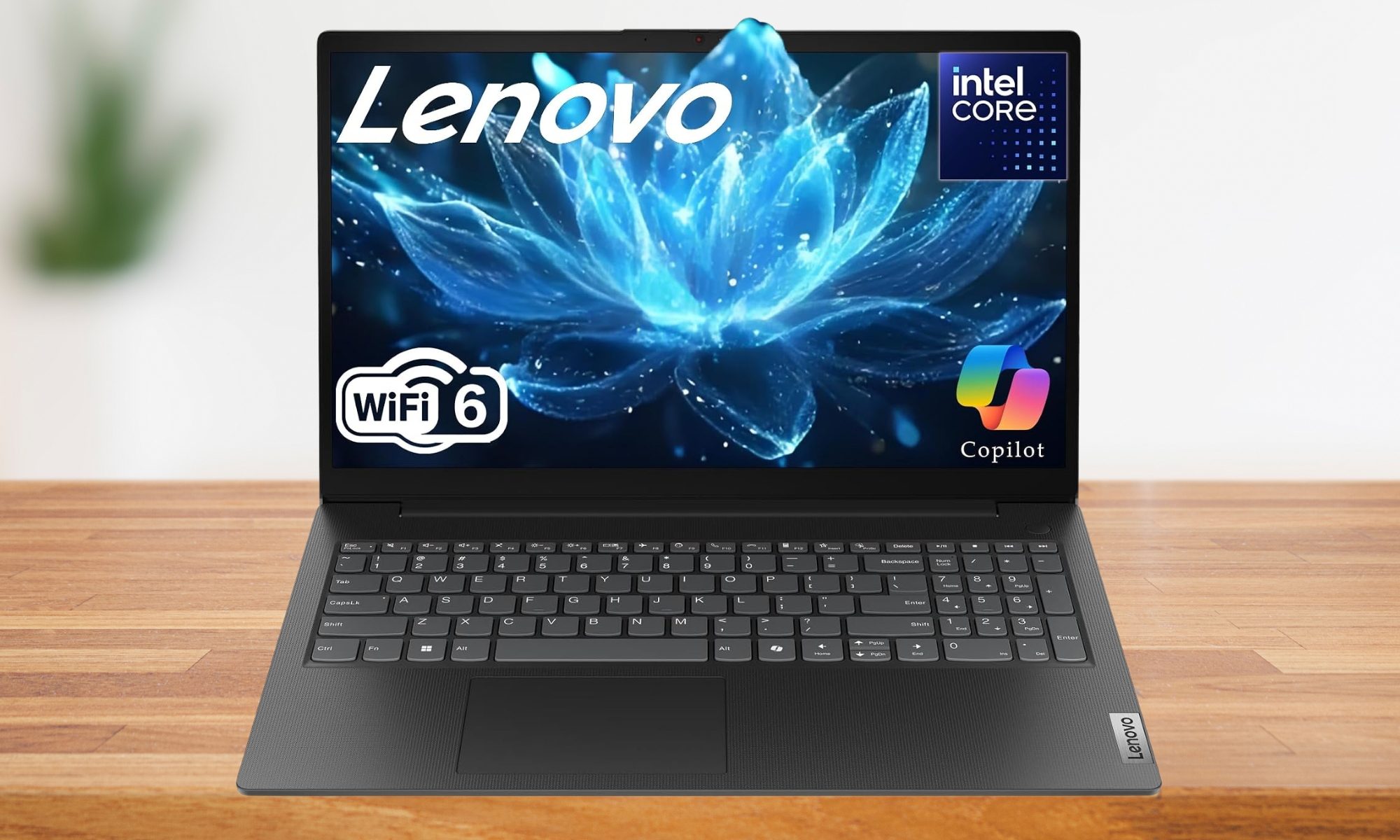
Storage anxiety is a real thing when you’re buying a budget laptop, especially if you want to use it as your primary work and entertainment machine, and Lenovo addresses it directly here by pairing a 256GB PCIe SSD with a 500GB hard drive, giving this V15 G6 more total space than anything else on this list at $499.00. While the SSD could help you with quick boot times, the HDD will let you store larger media files for more flexibility.
I also appreciate that Lenovo didn’t strip out the ports to hit that price. There’s Gigabit Ethernet, dual USB-C, dual USB-A, and HDMI, which covers dorm Wi-Fi dead zones and a second monitor without needing a dongle bag. Office 365 comes bundled with this one as well, and a physical camera shutter is a welcome addition.
The Intel N100 processor and 8GB of RAM don’t win benchmarks, but for writing papers, browsing, and streaming lectures, this laptop earns its keep on storage and connectivity alone. If you’re sold on the configuration, you can also get it with a 512GB SSD for $499.99.
Asus Vivobook 14
Pros
- Core i3-1315U with 6 cores, 8 threads
- 16GB RAM and 512GB SSD
- Windows 11 Pro included
- Excellent connectivity options
Cons
- Intel UHD graphics provides basic performance
- 14-inch 1080p panel isn’t the brightest
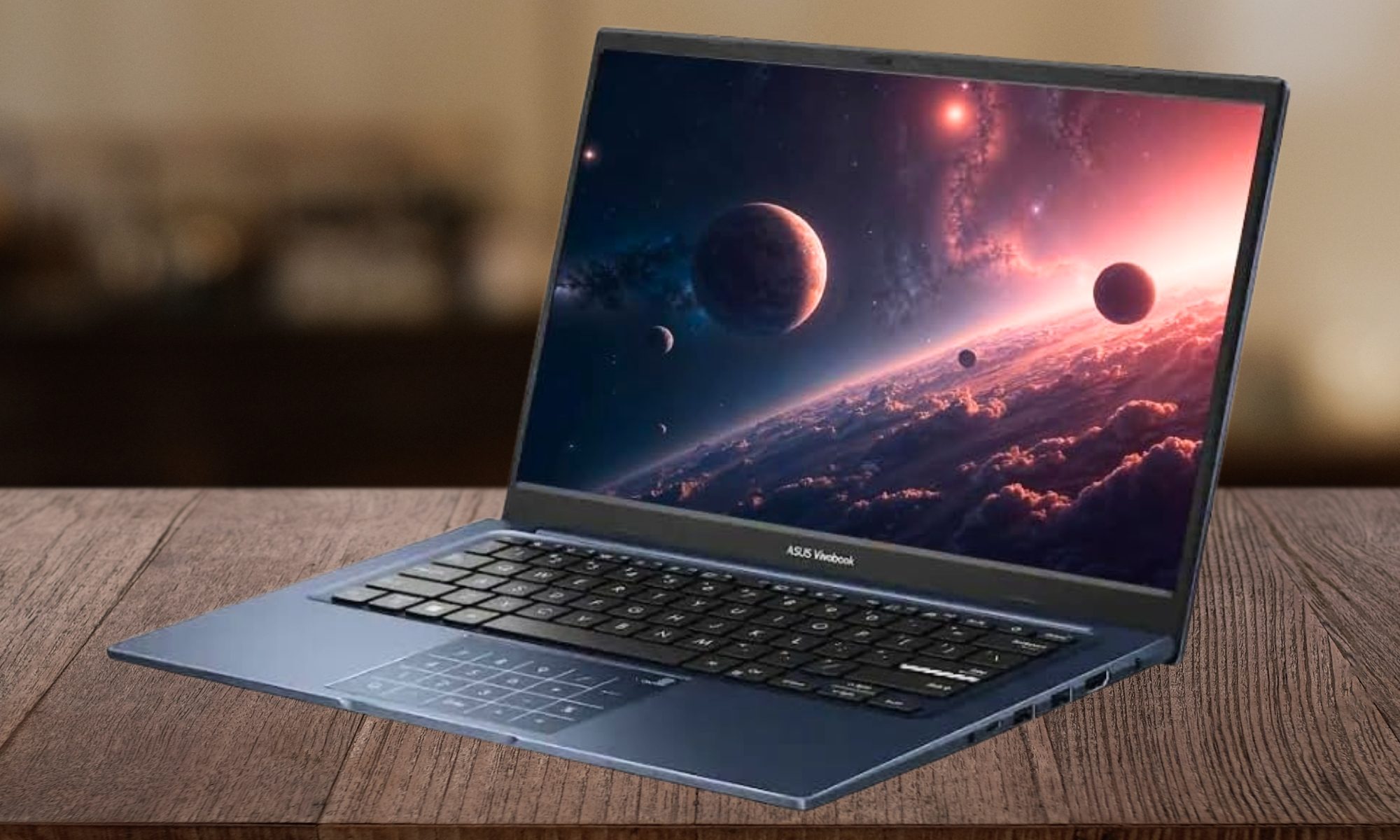
So far, all the recommendations on this list have been under the $500 price point. However, with the Asus Vivobook 14, we’re crossing that threshold, with reasons. For $519.98, the laptop packs an Intel Core i3-1315U processor with six cores and eight threads, a real jump over the quad-core chips found in the cheaper laptops on this list.
Furthermore, Asus pairs the more capable chipset with 16GB of RAM and a 512GB SSD. It’s the CPU, RAM, and storage combination that makes me recommend this one to a student with a slightly heavier workload, like video calls stacked on top of multiple research tabs and a spreadsheet running in the background.
Windows 11 Pro is also included rather than the Home edition, which matters if a student needs to join a university’s managed device network. You also get plenty of ports, including a USB 3.2 Gen 1 port and a dedicated HDMI port. There’s no discrete graphics here, so this stays a productivity machine rather than a gaming one, but for coursework and multitasking, it’s one of the more well-rounded options in this price bracket.
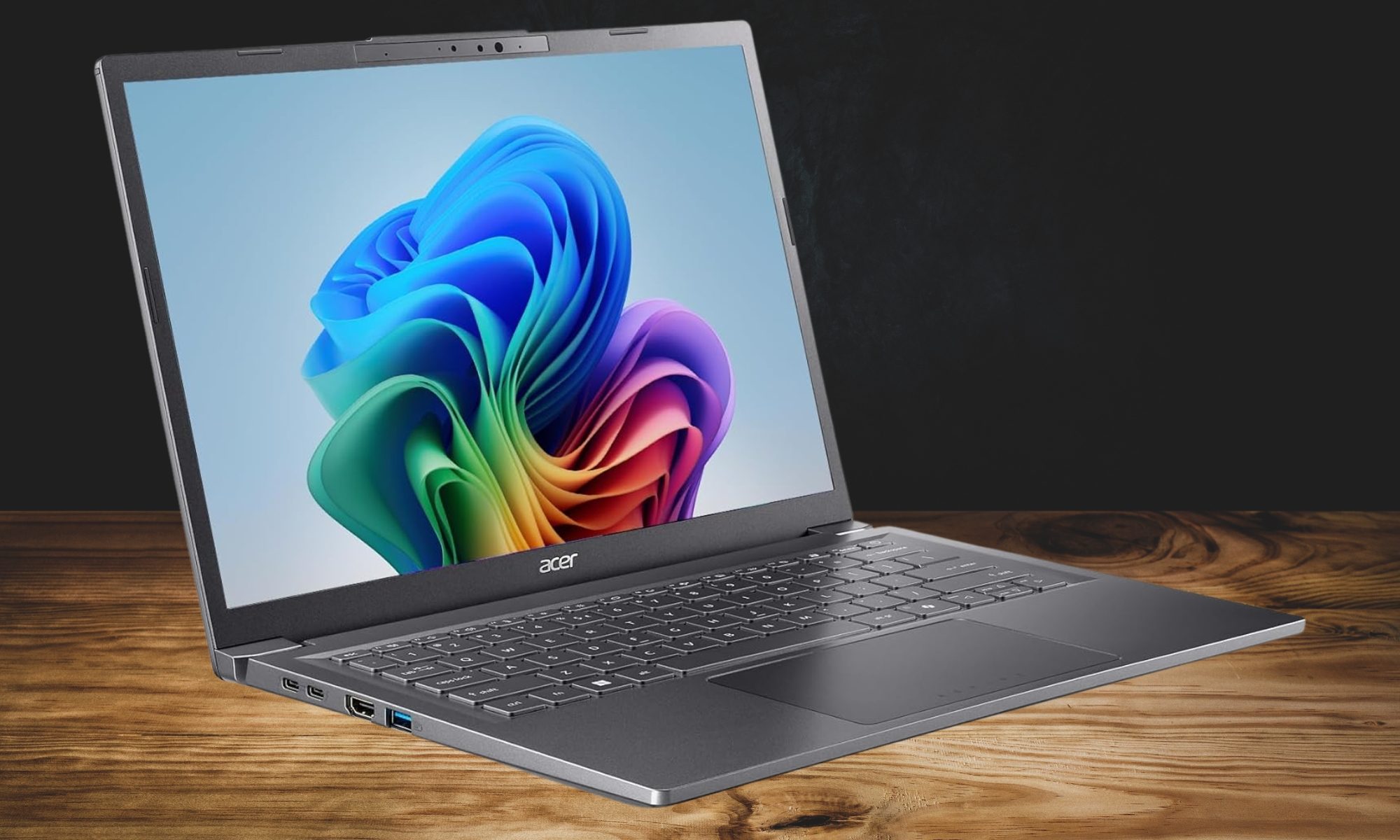
Acer Aspire 14 AI Copilot+ PC
Pros
- Certified Copilot+ PC with dedicated NPU (up to 47 TOPS)
- Enough performance headroom for most users
- 1TB SSD, the most storage on this list
- Up to 22 hours of battery life
- Sleek aluminum chassis with 180-degree hinge
Cons
- Priciest pick in a u0022budgetu0022 roundup
- AI features might not be useful for all
This is the splurge pick, and at $679, it stretches the definition of budget. However, I’m only including it because it’s genuinely the most future-proof laptop here, one that could easily last you around four to five years of a basic workflow without throwing many tantrums. Here’s why I’d argue for it.
First, the Aspire 14 is a certified Copilot+ PC built around Intel’s Core Ultra 7 256V chip with a dedicated NPU rated up to 47 TOPS. In other words, on-device AI features like Recall and Click to Do run locally rather than relying on the cloud. Even if you don’t use those features, the CPU and NPU combination should retain excellent performance for years, providing plenty of headroom for future applications and workloads.
What’s great is that Acer doesn’t skimp on storage either. It packs a full 1TB SSD, more than double what most of the other laptops here offer. Keeping the rated battery life aside, this one should last you a full day of back-to-back classes without a charger in sight. The aluminum chassis and 180-degree hinge round out a laptop that feels more premium than its price suggests.
Apple MacBook Neo 13″ (2026)

Pros
- Cheapest entry point into macOS Apple has offered
- A18 Pro chip built for Apple Intelligence
- Up to 16 hours of battery life
- Choice of four colors
Cons
- 8GB unified memory is the base config
- 256GB storage fills up fast with media
If getting into the Apple ecosystem matters more than raw specs, perhaps you already own an iPhone or an iPad; the MacBook Neo is the cheapest way to do that, undercutting every MacBook Air configuration at $689.99. The A18 Pro chip can handle most tasks you throw at it (including entry-level gaming), and Apple still rates the Neo for up to 16 hours of battery life, enough to cover a full day of classes and evening homework without hunting for an outlet.
There’s another reason why the Neo has been doing exceptionally well among young buyers. It comes in four vibrant colors: Silver, Blush, Citrus, and Indigo, each with a matching keyboard, a small touch that adds a bit of personality to the device and makes it stand out in a dorm full of black or dark gray laptops with a plastic build.
The 8GB of unified memory and 256GB of storage are base numbers, so anyone with a large photo library should budget for the step-up model. Even so, for emails, writing, and everyday coursework, this is the most affordable MacBook that money can buy, with access to the new macOS 27 features, including Siri AI.


