A few weeks ago, Google announced a new feature called Personal Intelligence. Broadly, the idea is to let Gemini access the content saved in your Gmail inbox and Photos library. The next time you ask the AI about travel plans, projects, or anything relevant, it will seamlessly reference your stored information to offer helpful responses, without asking you for any context.
It just knows you.

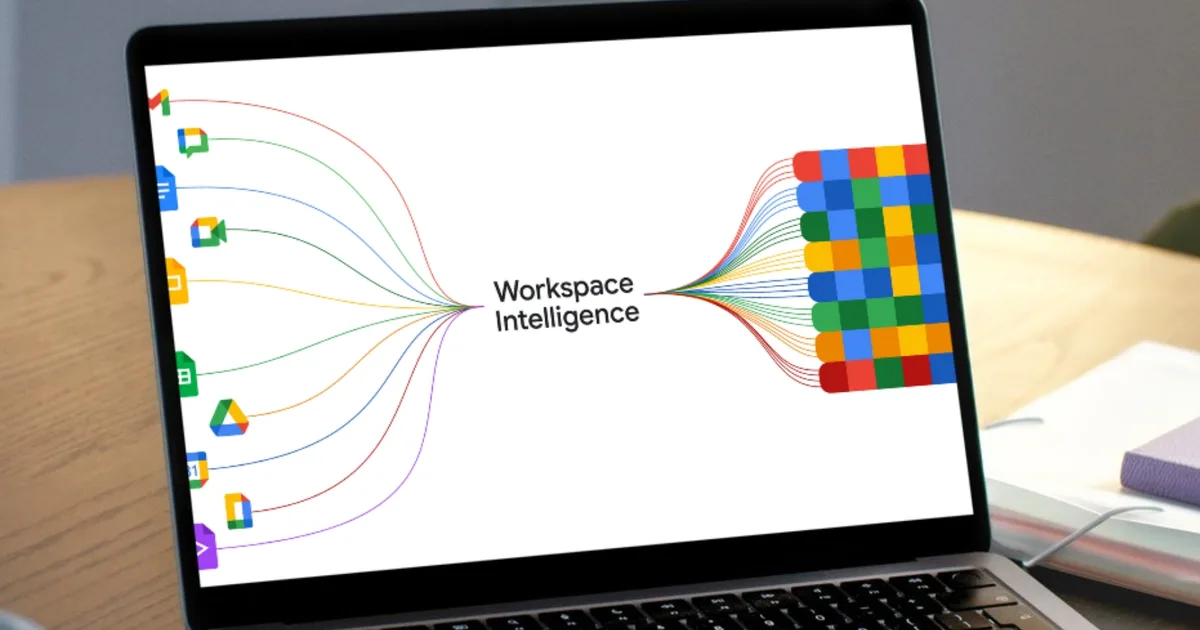
Now, Google is doing the same for Workspace, the hub of your work tools such as Docs, Sheets, Slides, and Drive, among others. Of course, the name has to be fitting, so Google is calling it Workspace Intelligence. Broadly, it allows Gemini to dip into the pool of information stored across Workspace apps and offer personalized responses.
Alright, so what’s the big deal about Workspace Intelligence?
Google says Workspace Intelligence saves you the hassle of dipping and bouncing between different files and folders. Instead, all you need to do is give it the right command — in natural language, of course — and it will get work done by using its knowledge of all your work data and picking the right context.
“Workspace Intelligence retrieves your relevant emails, chats, files, and information from the web to transform ideas into professionally formatted drafts that mimic your exact voice, brand, style, and company templates,” says the company in a blog post. The idea is similar to what Anthropic’s Claude can pull off, particularly in Microsoft PowerPoint using an extension system.
So, how does it benefit me?

Take, for example, Docs. When you summon Gemini in Google Docs, it will handle tasks based on its historical understanding of your workflow. For example, when you ask it to edit an image, it will automatically apply the suitable edits based on your past preferences, ensuring that you get consistent results without having to do manual work for each asset in the document.
Gemini will also handle comments, and based on your instructions, it will autonomously make the necessary edits in the document. Google notes that you can one-shot slide decks by simply asking Gemini to create them. “Gemini uses context from Workspace Intelligence and strictly adheres to your company’s templates and visual styles to build a ready-to-present deck,” explains the company.
AI Inbox and AI Overviews in Gmail are also a part of the Workspace Intelligence package. The former turns your Gmail inbox into a task-based overflow, letting you quickly catch up on conversations and the work at hand. The latter creates a brief summary of the email conversations, similar to AI Overviews for Google Search.


