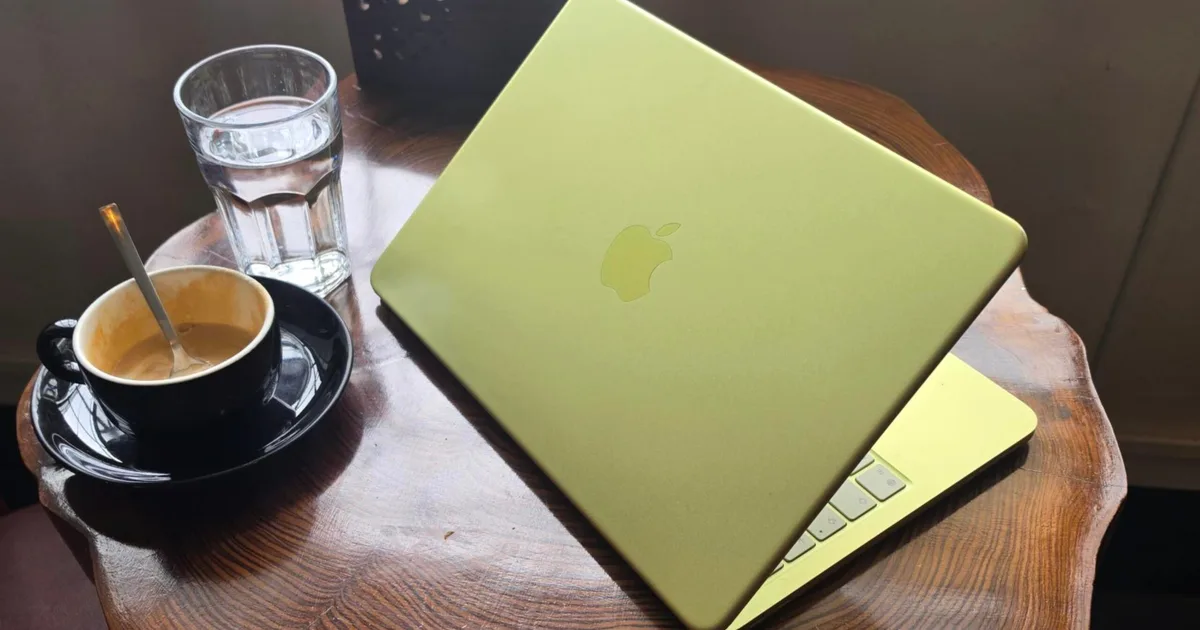
Apple’s MacBook lineup has become much broader in 2026. The MacBook Neo brings the entry price down considerably, the M5 MacBook Air remains the obvious all-rounder, and the MacBook Pro covers students whose coursework can push a laptop to its limits.
But with a wide range, choosing one becomes harder. Spending more can bring a better display, faster storage, additional ports, and considerably greater performance. However, plenty of students will never take advantage of those upgrades. So, I have narrowed the current lineup down to three models, each aimed at a distinct kind of buyer.
Apple MacBook Neo

Pros
- Incredible budget entry price
- Premium rigid all-aluminum body build
- Bright 516-nit Liquid Retina display
- Compact, highly portable lightweight design
Cons
- Touch ID costs extra money
- No keyboard backlighting is provided
- Slower 20W wired charging speed
The MacBook Neo gives students access to Apple’s ecosystem and macOS, without breaking the bank. Despite being an entry-level Mac, you get aluminum construction and tight iPhone integration at a price that previously belonged to budget Windows laptops and premium Chromebooks. Its A18 Pro chip is responsive enough for browsing, writing assignments, attending video calls, and typical workflows. The 13-inch Liquid Retina display is also considerably better than the dim, low-resolution panels frequently found in this price range.
Apple has made several aggressive cuts to reach that lower cost, including 8GB of fixed memory, slower storage, a keyboard without backlighting, and the absence of Touch ID on the base model. While these compromises limit its suitability for heavy multitasking and creative software, they should have little effect on students primarily living in browsers, documents, and social media/streaming apps. For those needs, the Neo is the cheapest sensible route into Apple’s laptop ecosystem and a considerably stronger long-term proposition than many disposable entry-level notebooks.
Apple MacBook Air 13-inch M5
Pros
- Great battery life
- Thin and light
- Good performance
Cons
- No OLED yet
- That display notch
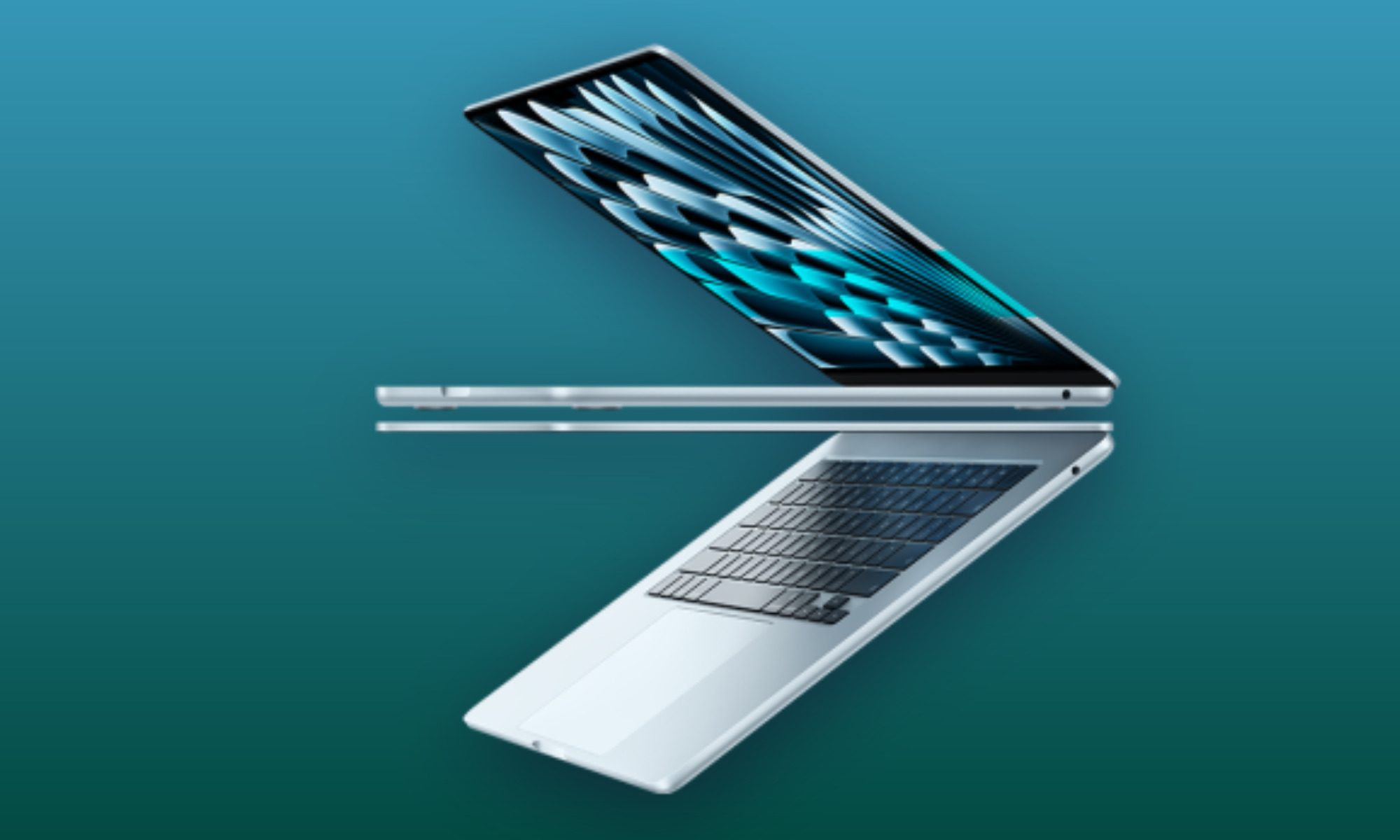
The M5 MacBook Air is the MacBook I would recommend to most students because it covers almost every everyday requirement without carrying the size, weight, or pricing of a Pro model. Our review found that the M5 provides more performance than most owners will regularly need, while the battery can comfortably support a long day of classes, research, writing, and streaming. Its fanless design also keeps the laptop silent in libraries and lecture halls. Apple’s keyboard and trackpad remain among the strongest available on any laptop, which matters when assignments involve hours of typing.
The 13-inch model weighs around 2.7 pounds, so carrying it between classes should remain painless. Its Liquid Retina display is sharp and bright, but an OLED upgrade is long overdue, and the camera notch continues to occupy valuable screen space. The reviewed strengths still make the Air Apple’s most balanced student laptop, particularly with 16GB of memory and 512GB of storage included in this configuration.
Apple MacBook Pro 14-inch M5
Pros
- Massive leap in GPU performance.
- Exceptional, multi-day battery life.
- Stunning Liquid Retina XDR display.
- Rich port selection with HDMI.
Cons
- Unchanged chassis design feels familiar.
- Base model lacks Thunderbolt 5.
- No power adapter included everywhere.
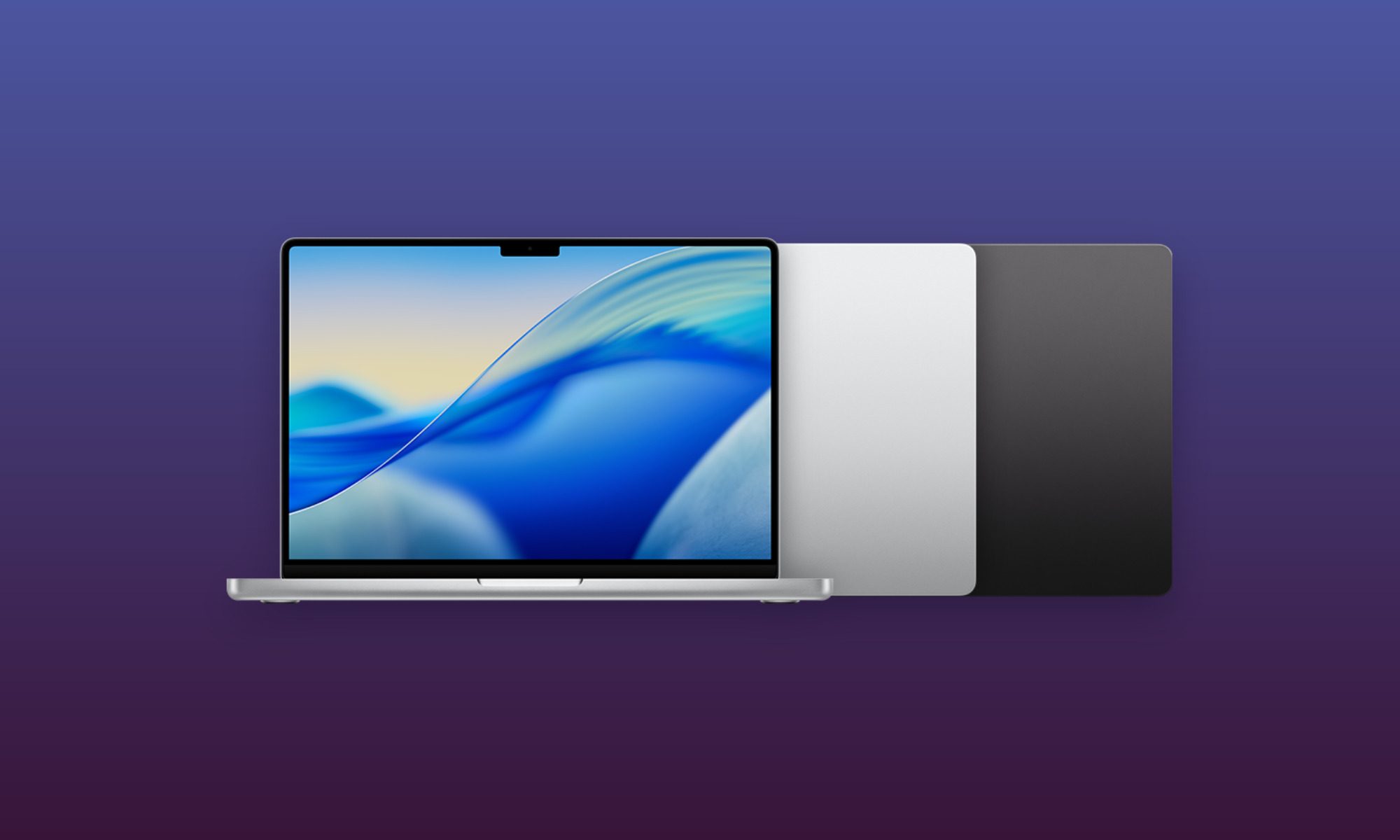
For students who need a little more horsepower, I’d recommend the MacBook Pro powered by the M5 series. Equipped with Apple’s latest silicon and an active cooling system, this notebook was designed for video production, 3D design, music projects, software development, and other intensive workloads.
The M5 model combines powerful CPU and graphics performance with extremely fast storage, helping large applications, project files, and media libraries load quickly. Its Liquid Retina XDR panel is also a major upgrade over the Air for HDR video and detailed creative work, reaching up to 1,600 nits of peak HDR brightness. HDMI, an SD card slot, MagSafe, and three Thunderbolt ports reduce the need for a permanently attached hub.
Battery endurance remains one of the strongest reasons to choose it over similarly powerful Windows workstations, especially for students moving between classrooms, studios, and editing suites. Apple has carried the same chassis forward once again, and its costly factory upgrades require buyers to choose their memory carefully. Even so, the discounted 1TB configuration offers considerably more storage headroom than the base Air and enough power to remain useful through several years of demanding coursework.


