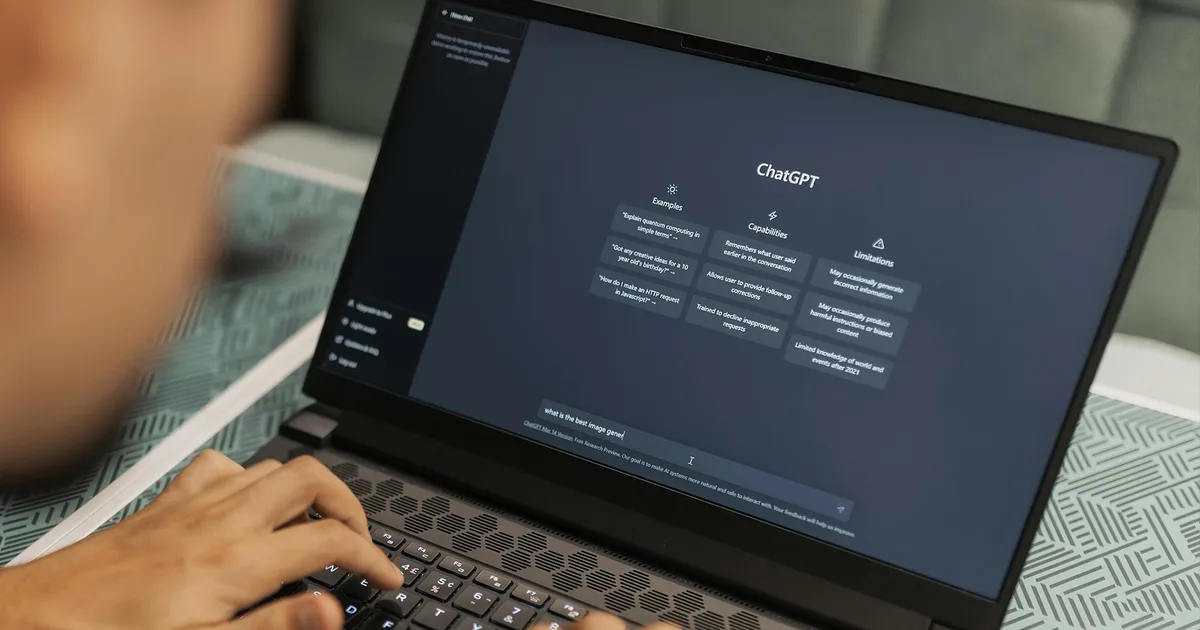
ChatGPT‘s desktop app is getting a much-needed course correction. When OpenAI merged Chat, Work, and Codex into one unified desktop app roughly a week ago, the experience came with more issues than intended, burying basic features like chat history and making it awkward to switch between modes. Now OpenAI has rolled out a batch of fixes based on feedback to make the app feel consistent regardless of which device you use.
What is changing in the ChatGPT desktop app?
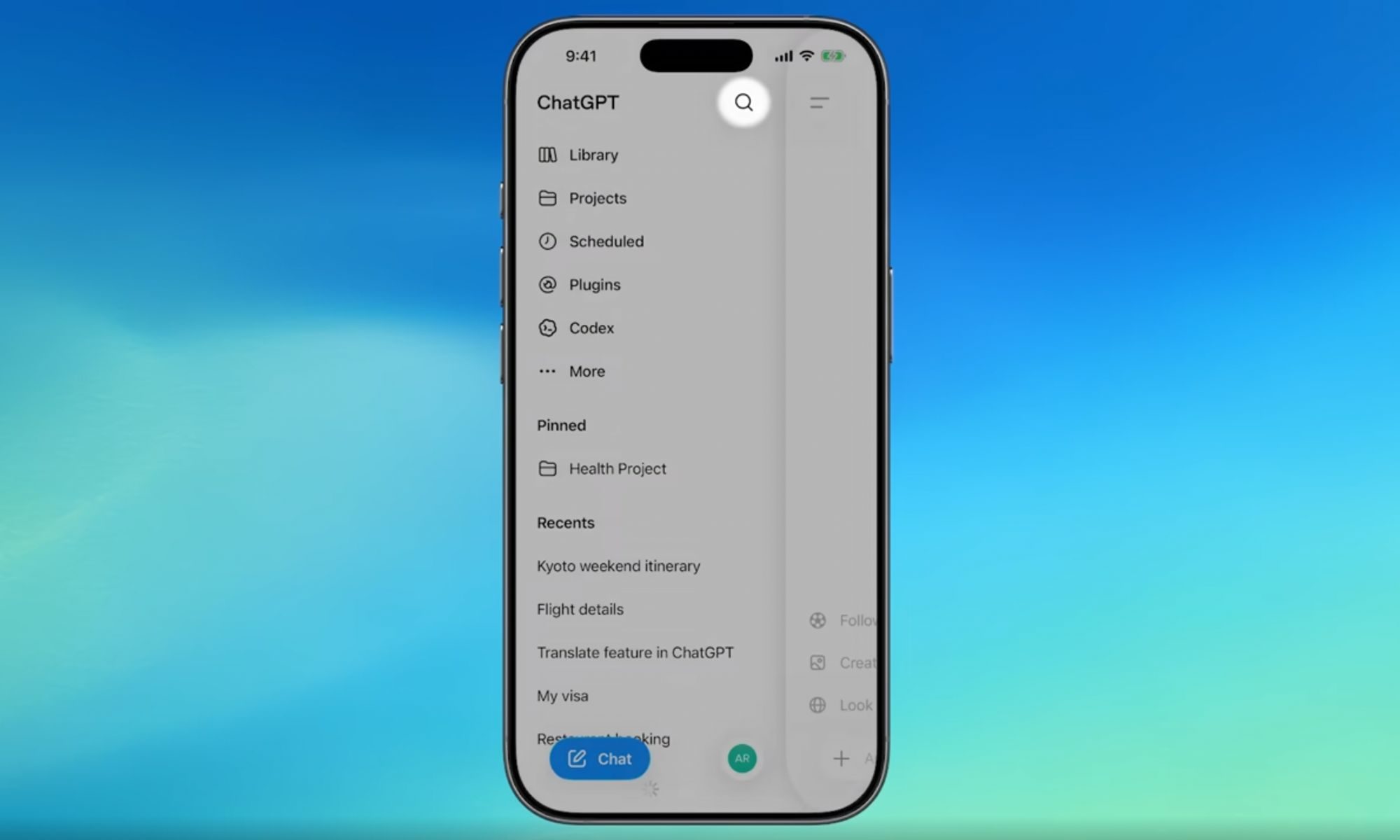
One of the biggest additions is the return of conversation history and Projects to the desktop sidebar. Instead of hunting through different screens, you can quickly jump back into previous chats or ongoing work from a single place.
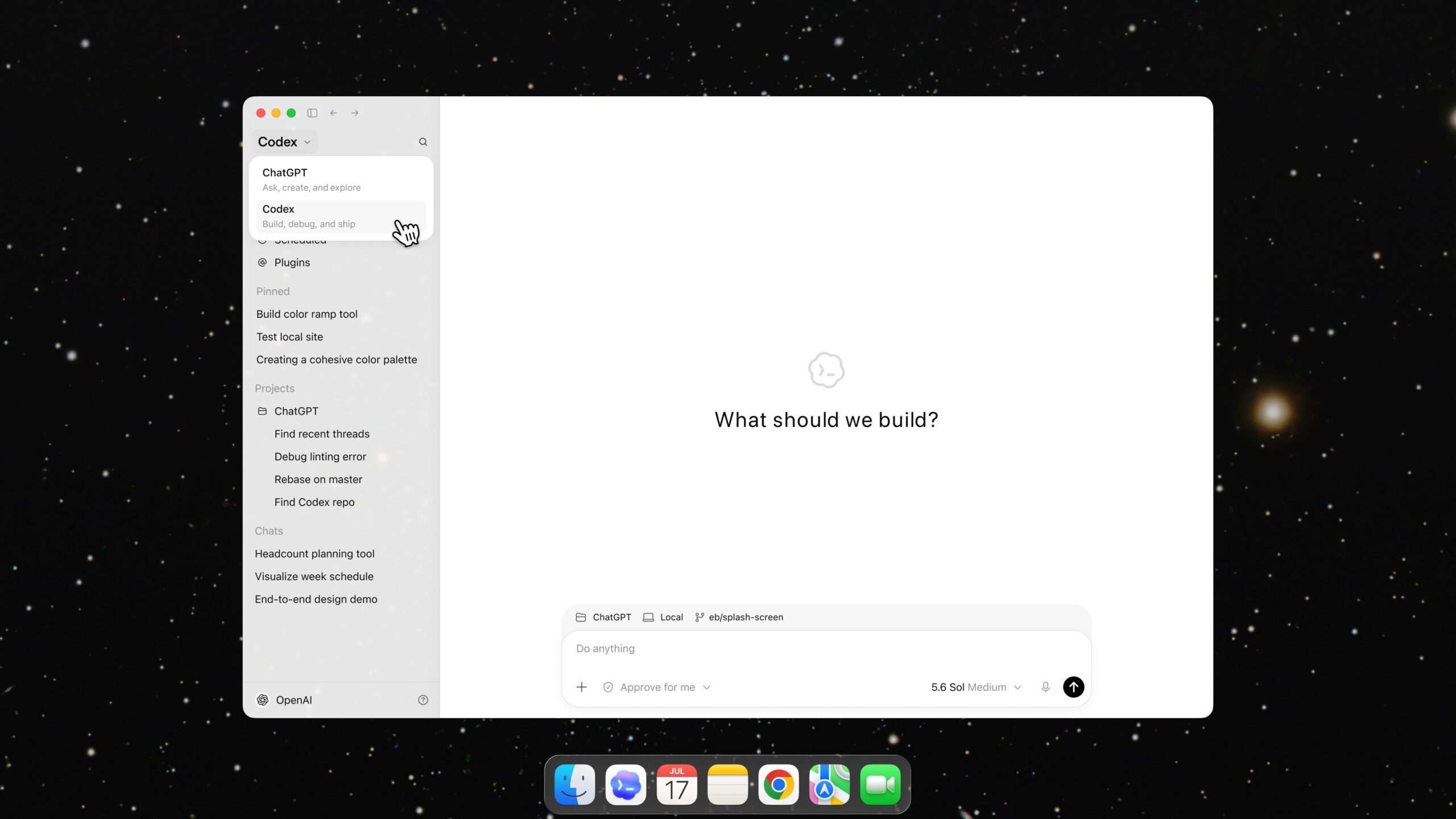
OpenAI has also enabled Chat and Work history syncing across the web, desktop, and mobile apps. That means your conversations stay up to date no matter which device you use. However, Local Tasks remain stored only on your computer and are not synchronized across devices.
The desktop app also gets a dedicated switch for moving between Chat and Work mode. The layout now matches the experience on the web and mobile, making it easier to move between personal conversations and work-related tasks without relearning the interface.
Yesterday, OpenAI also rolled out a major search upgrade that lets you find old chats, projects, documents, and images from one place, alongside a bunch of teen safety features and parental controls.
Why does this update matter?
OpenAI says these changes are a direct response to user feedback after the redesigned ChatGPT desktop app missed the mark. The company also confirmed that Codex mode remains unchanged, while promising to continue shipping frequent improvements based on user feedback.
These fixes are now live across every ChatGPT plan, including free accounts, and you can access them by updating your desktop app. For now, ChatGPT’s desktop app looks a lot closer to what users expected from the start.


