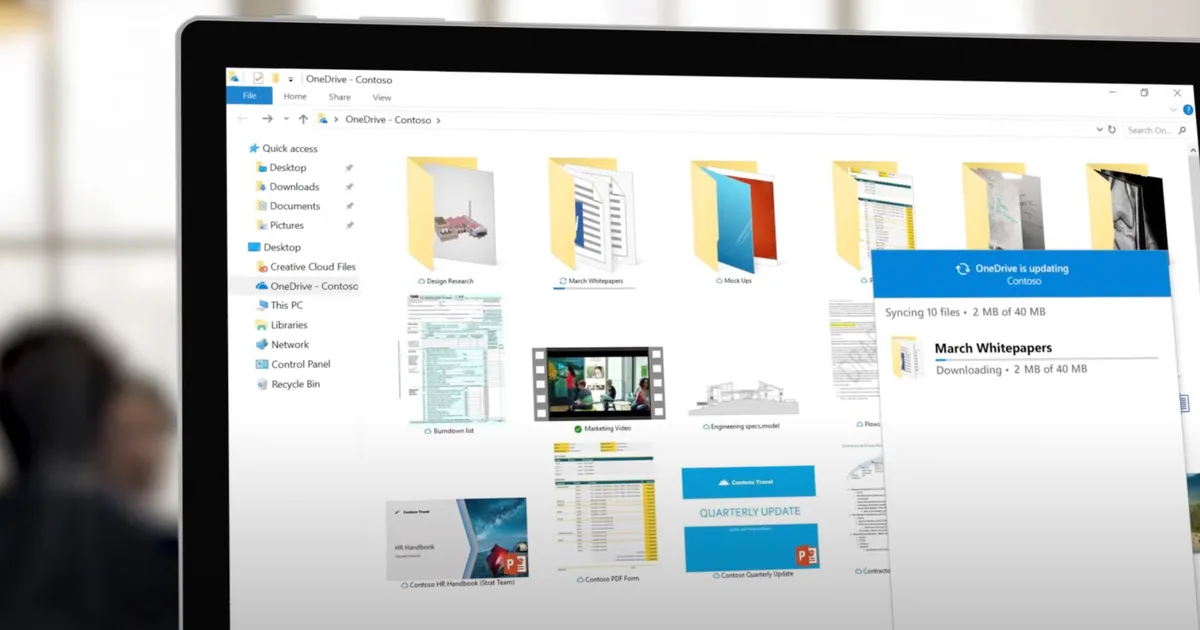
Microsoft is bringing a tiny new change to Windows 11, but it’s one that I’m desperately waiting for. Windows 11 is beginning to show a new “Opt out of backup” button on its full-screen OneDrive backup prompt. Every now and then, my nearly 6-year-old desktop PC asks me to enable backup every few days.
This used to be through a full-screen prompt that asked you to enable backup or choose “Remind me in 3 days.” Even during initial setup, you only get the option to “Continue” or “Skip for now.” Now, there is going to be a straightforward option that lets you opt out of OneDrive backup.
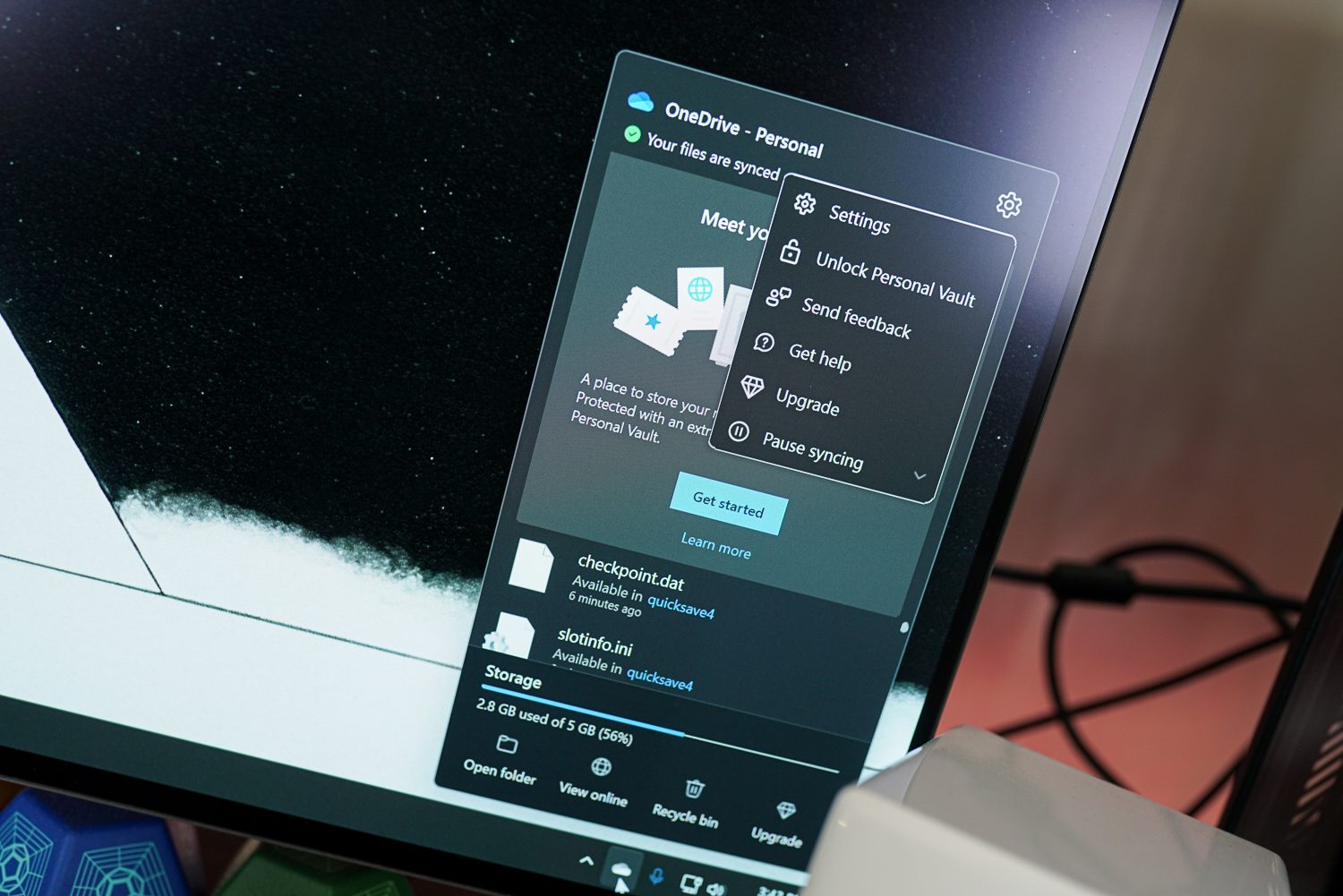
You can finally say goodbye to the incessant whining
According to a Windows Latest report, the new option has appeared on stable Windows 11 installations and appears intended to permanently dismiss the backup prompt. This was spotted on two PCs running Windows 11 25H2. Previously, choosing the old reminder option didn’t settle anything. Windows could simply bring the OneDrive prompt back later, leaving users stuck repeatedly postponing something they had no intention of enabling.
While you do get decent benefits like cloud backups and file protection, the choice to opt out is something that many users have always wanted. We’ve already complained about this before, and this new option should’ve been here years ago. OneDrive can automatically become deeply entangled with important Windows folders such as Documents and Desktop, which can cause conflicts with PC games that store configuration files inside Documents.
Windows 11 continues to get better
This change arrives amid a recent push from Microsoft to make the Windows experience better. During its recent earnings call, Satya Nadella confirmed that Windows is continuing to improve the quality and fundamentals. Aside from this, Windows has been toning down all the Copilot features that are literally everywhere.
Unfortunately, Microsoft hasn’t publicly announced a broad rollout schedule for the new button, so you may not see it immediately.


