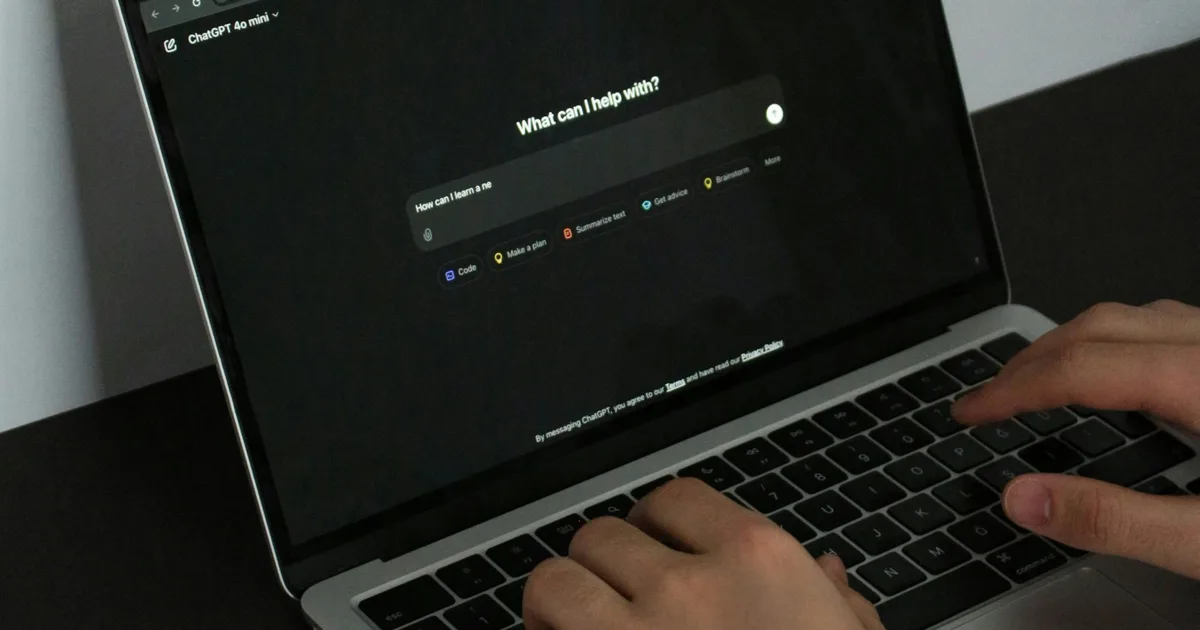
If you have ever drafted an email in ChatGPT and then had to copy it across to Gmail or Outlook to actually send it, you can now skip that extra step.
OpenAI has rolled out the ability to send emails directly from writing blocks in ChatGPT on the web, keeping the whole process inside a single conversation from start to finish.
ChatGPT writing blocks now let you send emails
Writing blocks are a formatting feature that ChatGPT introduced late last year. When you ask ChatGPT to draft an email, instead of returning a plain chat response, it presents your email in a clean, separate block that looks and feels closer to a real email editor.

You can highlight any line and ask for changes, accept or reject suggestions one by one, and edit text directly inside the block without copying anything elsewhere. The latest update takes that one step further by letting you hit send without ever leaving the chat.
Is it safe to send emails through ChatGPT?

Before you go all in on sending emails through ChatGPT, there is one thing to keep in mind. A recent lawsuit filed in California claims OpenAI shared user prompts, chat queries, and identifying information with Google and Meta tracking tools without proper consent. The case alleges that it violated California privacy law and federal wiretap rules. So maybe hold off on drafting anything too sensitive in there.
What else is ChatGPT up to lately?
That said, OpenAI is not slowing down on new features. ChatGPT is getting smarter at remembering things about you by learning from your chat history over time and retaining that information so your conversations feel more personalized.
On the productivity side, ChatGPT for Excel and Google Sheets has officially moved out of beta and is now available globally, letting you build workbooks, clean data, and write formulas in plain language without needing to be a spreadsheet expert.


